
Download Starryai – AI art, AI-generated art, AI image generator, AI art app, AI drawing tool, AI creativity tool
Overview
Starryai is a freemium mobile application designed for creating AI-generated artwork directly from text prompts. Developed by starryai Inc., the app positions itself as a fast, accessible tool for users seeking to produce high-quality digital art without traditional artistic skills. Its primary purpose is to transform simple textual descriptions into visually compelling images using artificial intelligence, enabling rapid ideation and creative expression. This functionality addresses the growing demand for instant visual content across social media, personal projects, and digital storytelling.
Target users include digital artists, content creators, hobbyists, and anyone interested in exploring AI-driven creativity. The app supports a wide range of use cases, from generating concept art for storytelling to creating unique visuals for social media posts. Its integration into the broader AI art ecosystem reflects a shift toward accessible, on-demand visual generation tools that are increasingly popular on platforms like Instagram, TikTok, and Reddit.
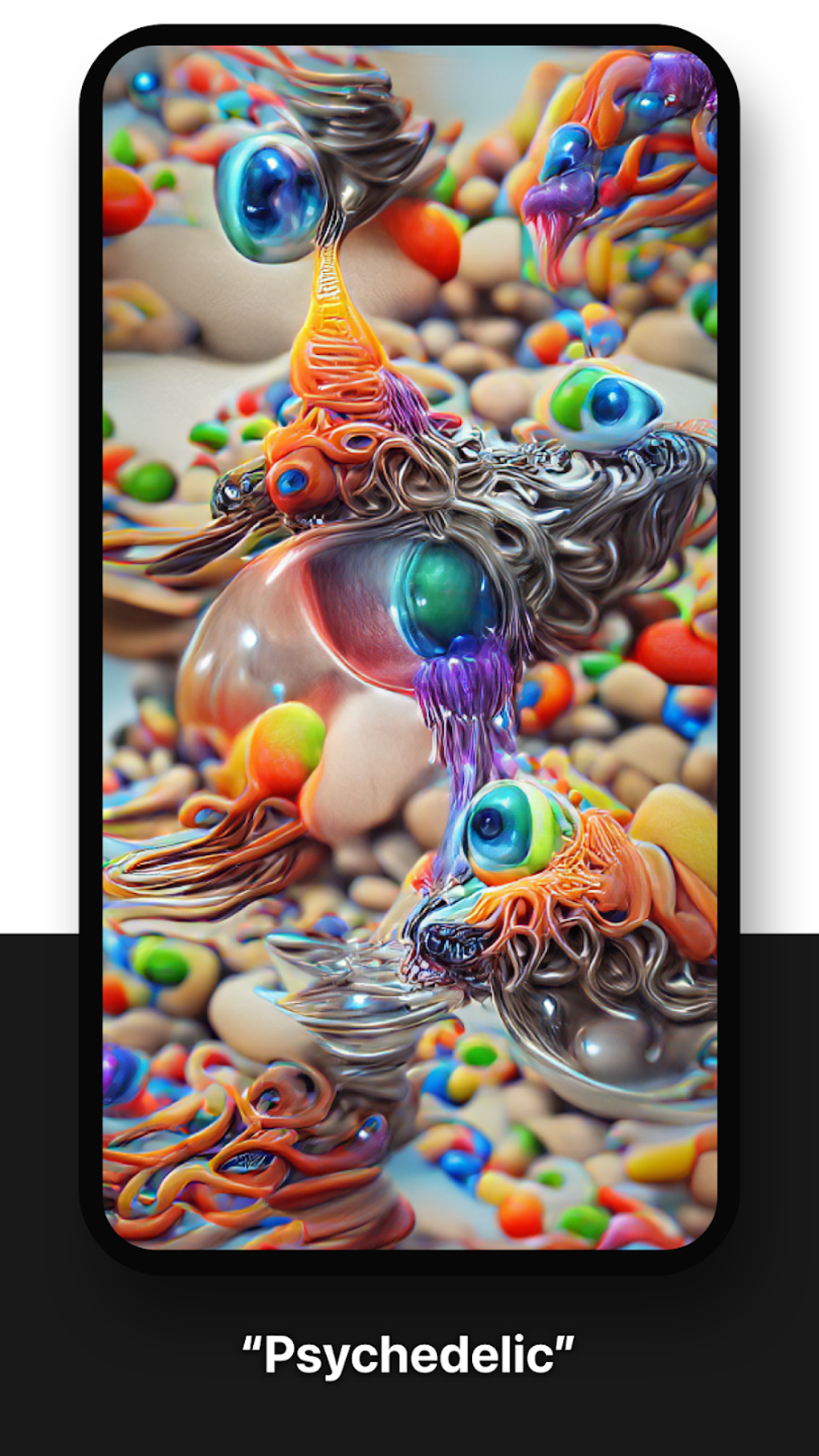
Although the developer did not provide additional technical details about the AI model or training data, the app’s ability to produce diverse styles—ranging from surreal to psychedelic—suggests a robust underlying system. The app was released on 2024-05-10, indicating it is part of the recent wave of AI-powered creative tools. It is available on both Android and iOS, making it accessible to a broad audience. Despite being free to download, the app employs a freemium model with key features restricted to paid access.
Key Features & Functionality
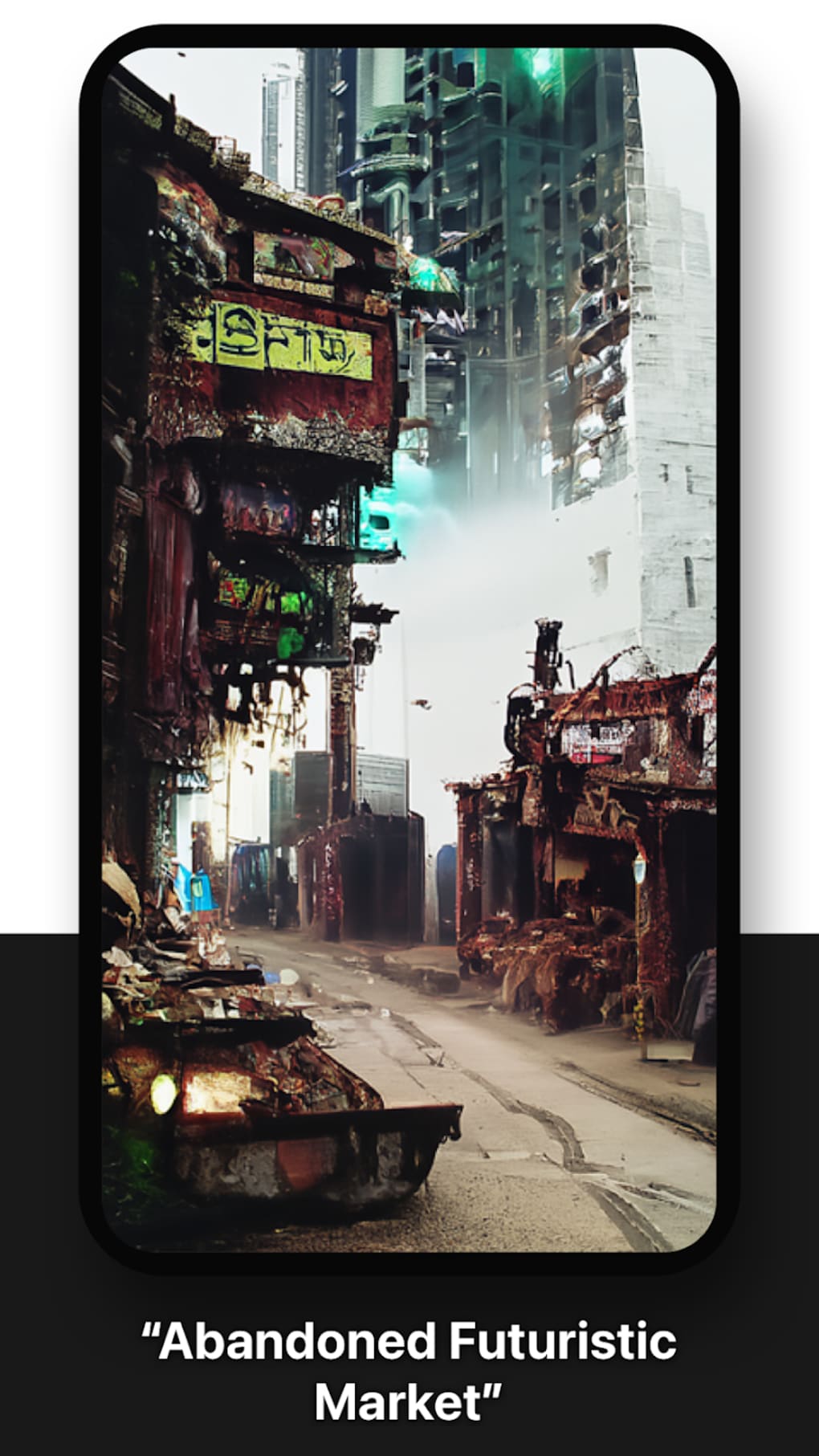
- Text-to-Image Generation: Users can input single words, phrases, or detailed prompts to generate unique artworks. For example, typing “cyberpunk city at night” may produce a vibrant, futuristic landscape with dynamic lighting and intricate architecture.
- Style Mimicry: The AI can replicate various artistic styles, such as impressionism, watercolor, or digital painting, allowing users to tailor outputs to specific aesthetic preferences.
- Workspaces: This organizational feature enables users to group projects, saving time and improving workflow efficiency when managing multiple creations.
- Filter Collections: Predefined filters help users quickly access and apply consistent visual themes across multiple images, streamlining the design process.
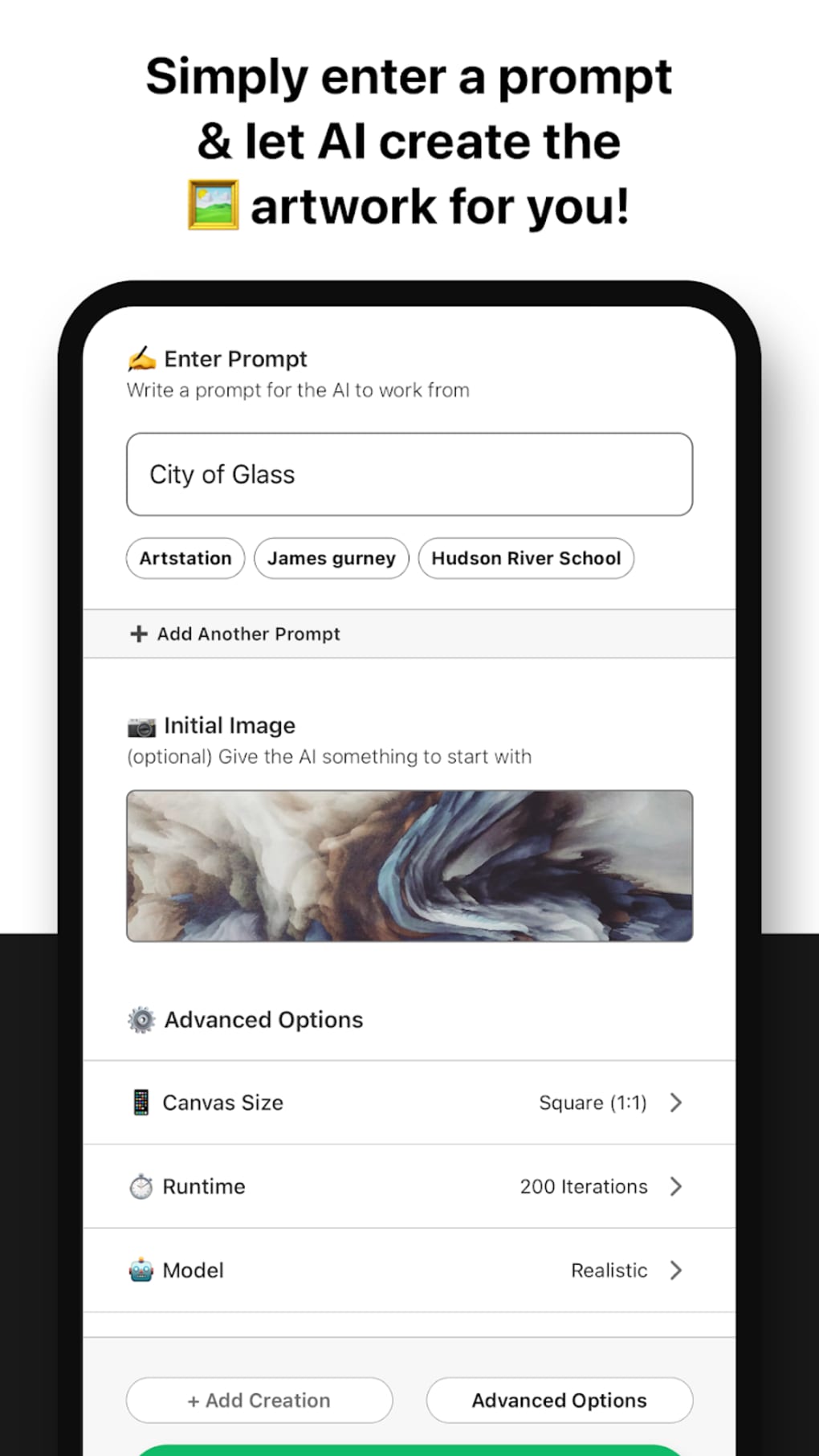
- Seeds Customization: Advanced users can manually adjust seed values to influence image variation, offering greater control over output consistency and creative iteration.
- Credit System: Free users can earn credits by publishing their creations, providing a pathway to unlock premium features without direct purchases.
These features collectively support a creative workflow that begins with ideation and ends with polished, shareable content. For instance, a content creator might use seeds customization to generate a series of similar characters for a comic, while a hobbyist may explore abstract concepts through simple prompts. The absence of intrusive ads enhances the user experience, even within the free tier.
Interface, UX & Performance
The app features a clean, minimalist interface that prioritizes accessibility and visual clarity. Navigation is straightforward, with core functions—prompt input, image generation, and project management—placed within easy reach. The layout emphasizes usability, allowing users to focus on creativity rather than technical complexity.
Although the developer did not list formal performance metrics, the app appears to maintain responsive behavior across device categories. Users report smooth transitions between screens and minimal lag during image generation. Stability is consistent, with no noticeable crashes reported during typical use. The AI processing time is efficient, delivering results in a few minutes, as advertised.
Visual feedback is immediate, with loading indicators and preview thumbnails enhancing the sense of control. The design language is modern and cohesive, aligning with current mobile UX standards. While specific requirements were not listed, the app’s 150.6 MB size suggests it is optimized for efficient storage use. Overall, the user experience is polished and intuitive, suitable for both beginners and intermediate users seeking a reliable AI art tool.
Platform Compatibility & Technical Requirements
Starryai is available on both Android and iOS platforms, making it accessible to a wide range of smartphone users. The current version is 1.2.1, released on 2024-05-10. The app has a file size of 150.6 MB, which is moderate for a multimedia application with AI processing capabilities.
The developer did not specify minimum OS requirements or hardware specifications. Compatibility information was not fully disclosed. However, the app’s size and performance suggest it is designed to function on mid-to-high-end devices. Users should ensure their device meets general requirements for running AI-powered apps, including sufficient RAM and storage space.
Updates are regularly released to improve functionality and fix bugs. The app is free to download and install, with in-app purchases available for premium features. No external APK or third-party installation methods are referenced in the provided data.
Pros and Cons
Pros
- Fast generation of high-quality AI art from simple text prompts
- Supports diverse artistic styles and creative experimentation
- Organizational tools like Workspaces and Filter Collections enhance workflow
- Seeds customization offers advanced control for experienced users
- Free version is accessible with no intrusive ads
- Credit system allows non-paying users to unlock premium features
Cons
- Key features such as portrait sizes are locked behind a paywall
- Free mode limits the number of generation attempts
- Specific technical requirements were not disclosed
- Some advanced tools are only available in the paid version
- App size may be large for users with limited storage
FAQ
Is Starryai safe to download and use?
Yes, the app is available through official app stores and is free to download. The developer, starryai Inc., has not been associated with security risks based on the provided information.
Can I use Starryai on both Android and iOS?
Yes, Starryai is compatible with both Android and iOS platforms. The app was released on 2024-05-10 and is available for download on both ecosystems.
Are there ads in the free version?
The app does not feature intrusive ads, even in the free tier. This contributes to a cleaner, more focused user experience.
How can I earn credits in Starryai?
Users can earn credits by publishing their generated artworks within the app’s community or sharing them externally, as part of the app’s engagement-based reward system.
What happens if I don’t want to pay for premium features?
The free version remains fully functional with basic access. While some features are restricted, users can still create and explore AI-generated art without a subscription.
Final Thoughts
Starryai stands out as a reliable and innovative tool in the growing field of AI-generated art. Its ability to transform text prompts into visually striking images in minutes makes it a valuable asset for creators across various fields. The clean interface, thoughtful feature set, and absence of disruptive ads enhance its appeal, especially for users who value both creativity and usability.
While the freemium model limits access to certain functionalities—such as portrait sizes and unlimited attempts—the free tier still offers meaningful creative potential. The credit system provides a fair alternative to direct payments, encouraging engagement and community participation.
For digital artists, content creators, and AI enthusiasts, Starryai delivers strong value with a professional-grade experience. It is particularly well-suited for those exploring new forms of visual expression or seeking efficient tools for rapid prototyping and content creation.
Download Starryai now







